The Best IPTV Players for Firestick, Android TV, Apple TV & Smart TV: In-Depth Comparison & Setup
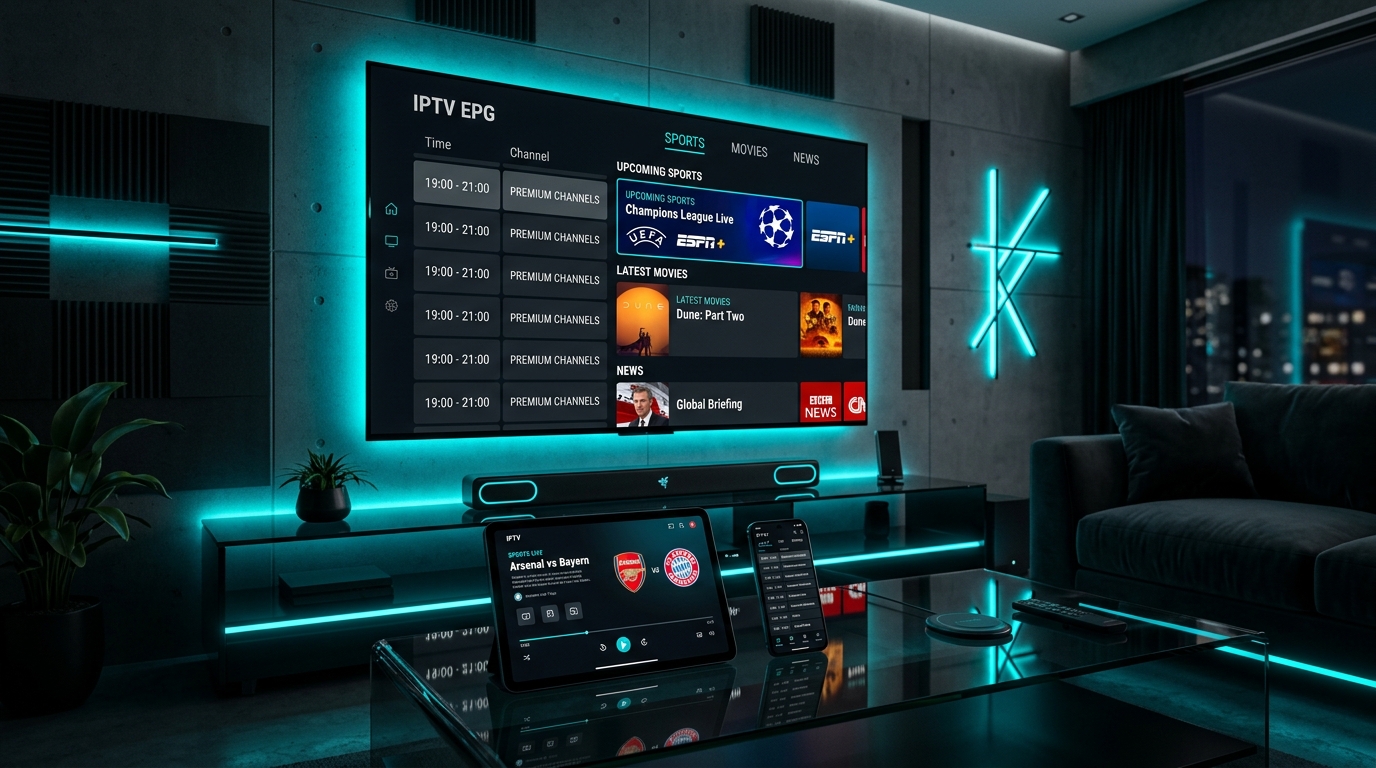
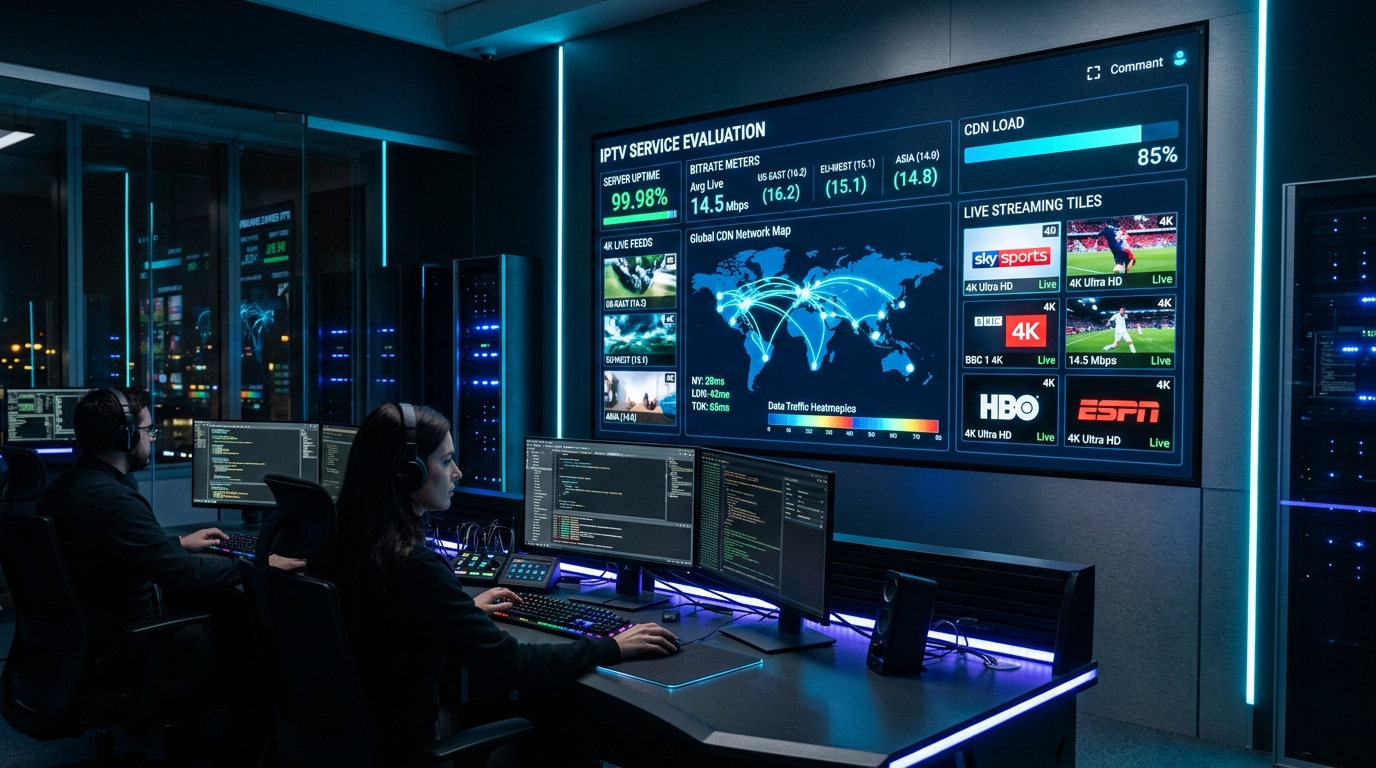
When transitioning to Internet Protocol Television, many cord-cutters assume that their television viewing experience is determined entirely by their chosen provider. In reality, modern IPTV viewing is governed by a two-part ecosystem: the IPTV Service Provider, which supplies stream URLs, broadcast feeds, and server infrastructure; and the IPTV Player Application, which serves as the physical operating interface on your screen.
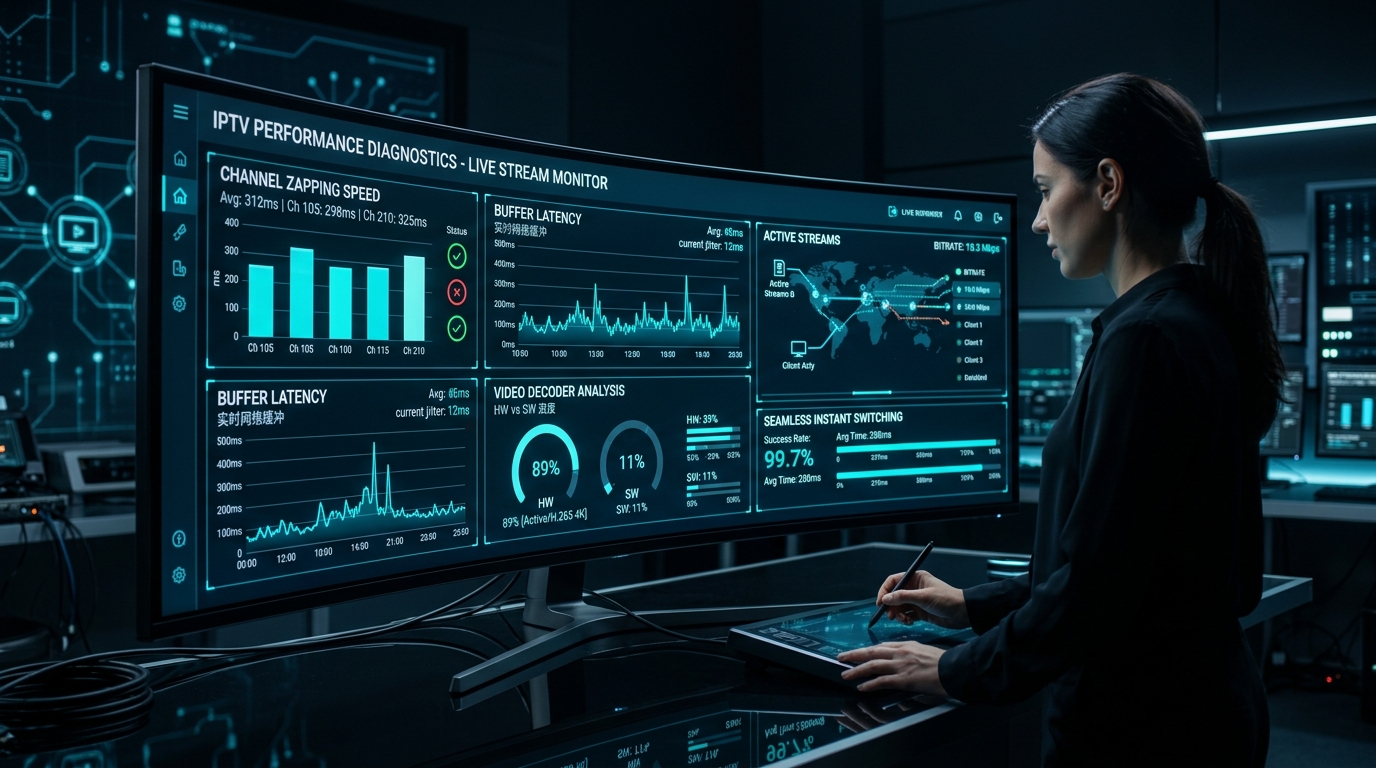
The software application you install on your streaming device controls every visual interaction: the speed at which channels switch, the responsiveness of the Electronic Program Guide (EPG), audio-video synchronization, multi-screen viewing capabilities, recording functions, and codec hardware decoding. Pairing a world-class, anti-freeze provider with a poorly coded or outdated player application will inevitably lead to frustrating interface lag, frequent crashes, and compromised picture quality.
This comprehensive guide delivers an in-depth technical analysis and comparative evaluation of the top IPTV player applications available across Amazon Fire TV Stick, Android TV, Apple TV (tvOS), Samsung Tizen OS, LG webOS, and desktop operating systems. By analyzing underlying media engines, memory footprints, and practical usability, you can select the perfect player software tailored to your household hardware.
1. The Anatomy of an IPTV Player: How Media Engines Render Streams
To understand why certain IPTV players perform flawlessly while others stutter during live broadcasts, it helps to examine how player software processes incoming internet video data. An IPTV player is not merely a graphical shell; it incorporates an underlying media playback framework that bridges network protocols with your device's physical graphics processing unit (GPU).
[IPTV Server Transport Stream]
               |
               v
  [Network Demuxer Socket]
               |
               v
  [Underlying Media Engine: ExoPlayer / libVLC / AVPlayer]
               |
               v
  [Hardware Video Decoder (GPU)] ---> [Display Output: 4K 60 FPS]
The Core Media Engines Powering Modern Players
Different player applications rely on specific internal decoding frameworks:
- Google ExoPlayer (Android / Fire OS): The industry benchmark media player library developed by Google. ExoPlayer is lightweight, highly customizable, and deeply integrated into Android's native media stack. It excels at handling H.264/AVC, H.265/HEVC, and adaptive HLS (HTTP Live Streaming) playlists with rapid socket handshakes and low buffer overhead. Applications like TiviMate and XCIPTV utilize ExoPlayer as their primary rendering engine.
- VideoLAN libVLC (Cross-Platform): The open-source engine that powers VLC Media Player. libVLC is renowned for its universal codec support. It can parse non-standard transport stream containers, unusual audio tracks (such as EAC-3 or DTS), and corrupt keyframes that might cause other players to stall. Many applications, including IPTV Smarters Pro, allow users to switch to the VLC engine when encountering problematic audio or video streams.
- Apple AVPlayer & Metal Framework (tvOS / iOS): Built natively into Apple's operating systems, AVPlayer leverages Apple's dedicated hardware silicon for instantaneous de-interlacing, color space mapping, and frame-accurate timing. Premium tvOS applications (like iPlayTV and UHF Player) build directly atop AVPlayer to provide silky 60 FPS user navigation.
2. In-Depth Review: TiviMate IPTV Player (Android TV & Firestick)
Widely recognized among streaming enthusiasts as the pinnacle of IPTV software on Android-based platforms, TiviMate was engineered specifically for large television displays and remote control navigation. Rather than adapting a touch-screen mobile layout to a TV, developer Arman Mkrtychyan built TiviMate from the ground up to recreate and surpass the premium cable and satellite set-top box experience.
+-------------------------------------------------------------------+
| TiviMate 5.x Interface Layout                                     |
| [Search]  [Favorites]  [Groups]  [Settings]                      |
|-------------------------------------------------------------------|
| Channels List           | Live EPG Timeline (Multi-Hour Grid)     |
| 101. Sky Sports Premier | 20:00 - 22:00 Live Football Match [4K]  |
| 102. TNT Sports 1       | 20:00 - 22:30 Champions League Live     |
| 103. ESPN HD            | 19:30 - 21:00 SportsCenter Live        |
| 104. BBC One HD         | 20:00 - 21:00 Prime Time Drama          |
+-------------------------------------------------------------------+
Architectural Strengths
- Cable-Style EPG Timeline: TiviMate features a multi-channel horizontal grid guide that scrolls with zero dropped frames. Users can customize channel row height, font scale, channel logo placement, and timeline increments (from 30 minutes to 3 hours).
- Multi-View Screen Splitting: TiviMate Premium allows viewers to watch up to nine live streams concurrently on supported hardware (such as the Nvidia Shield TV or Fire TV Stick 4K Max). You can dynamically swap main audio tracks between split screens with a single click on your remote.
- Catch-Up & Local Recording: For channels with server-side catch-up enabled, TiviMate integrates historical programming directly into the EPG grid. You can also schedule local or network recordings (SMB/NAS) with recurring timers and padding options.
- Group Management & Channel Reordering: Users can hide unwanted international categories, create custom "Favorites" folders, and reorder channel positions numerically.
Limitations
- Platform Exclusivity: TiviMate is available exclusively for Android TV, Google TV, and Amazon Fire OS. There is no official version for Apple tvOS, Samsung Tizen, or LG webOS.
- Companion App Licensing: Unlocking TiviMate Premium requires a Google Play Store in-app purchase. For Firestick users who lack Google Play Services, licenses must be purchased through an external Android mobile utility called TiviMate Companion.
3. In-Depth Review: IPTV Smarters Pro (Multi-Platform Versatility)
Developed by WHMCS SMARTERS, IPTV Smarters Pro is arguably the most widely deployed IPTV client application globally. Its defining advantage is universal cross-platform availability, maintaining a familiar layout across smartphones, tablets, desktop computers, and smart television ecosystems.
Architectural Strengths
- Cross-Platform Ubiquity: Native builds exist for Android, iOS, iPadOS, macOS, Windows PC, Samsung Tizen OS, and LG webOS, allowing entire households to enjoy a synchronized interface across all screens.
- Dashboard Separation: The home interface cleanly bifurcates streams into four distinct operational portals: Live TV, Movies (VOD), Series, and Catch-Up.
- Multi-User Profile Management: Households can register multiple playlist accounts within the same installation, allowing family members to switch between separate subscriptions easily.
- Integrated Speed Test & Player Switching: Smarters includes a built-in internet speed test tool and allows users to toggle between the internal media player, ExoPlayer, and external third-party players (such as VLC or MX Player) on a per-stream basis.
Limitations
- Heavy Resource Footprint: On lower-tier streaming hardware (such as 1st-generation Firesticks or entry-level smart TVs with 1 GB of RAM), the Smarters interface can feel sluggish when loading extensive playlists containing over 20,000 channels.
- Less Fluid EPG Grid: While functional, the electronic program guide in Smarters lacks the cable-style smoothness and rapid pagination found in dedicated players like TiviMate.
4. In-Depth Review: XCIPTV Player (Android TV & Firestick)
XCIPTV (developed by OTTRUN) presents an alternative design philosophy characterized by a modern, tile-based media center interface reminiscent of Netflix or modern smart TV operating systems.
Architectural Strengths
- Modern Tile-Based Layout: Rather than emphasizing a text-heavy channel list, XCIPTV utilizes visual preview tiles, rich metadata banners, and dynamic backdrop art for live channels and VOD libraries.
- Dual Embedded Player Engines: Incorporates both ExoPlayer and VLC Player natively within the application package, eliminating the need to install external video players to resolve codec incompatibilities.
- Comprehensive Parental Controls: Allows master PIN-protection on entire channel groups, adult categories, or specific VOD genres.
- Backup & Cloud Sync: Settings, custom favorites, and playlist configurations can be backed up to local storage or exported to other household devices.
Limitations
- Banner Clutter: In free versions, interface banners can occupy significant screen space unless customized or upgraded.
- Higher Memory Utilization: The rich graphical tile interface requires more GPU cache than minimalist grid players.
5. In-Depth Review: IBO Player & Smart ONE (Samsung Tizen & LG webOS)
For viewers who prefer not to purchase an external Amazon Firestick or Apple TV box, streaming directly through built-in smart TV operating systems (Samsung Tizen and LG webOS) is a common requirement. Television processors, however, operate with strict memory limitations and specialized silicon. IBO Player and Smart ONE are specifically tailored for these environments.
[User TV: Samsung / LG] ---> Displays Device ID & MAC Address
                                      |
                                      v
[Web Browser on Phone/PC] ---> Accesses iboplayer.com/manage
                                      |
                                      v
[Cloud Portal] ---> Uploads Xtream Codes / M3U to Cloud Server
                                      |
                                      v
[User TV App] <--- Automatically Syncs Channels on Startup
Architectural Strengths
- Zero Sideloading Required: Both apps can be installed directly from the official Samsung App Store or LG Content Store with a single click.
- Cloud Portal Playlist Management: Instead of typing complex, lengthy M3U URLs using an awkward TV remote control, users visit a web portal on their smartphone or computer, enter their TV's Device ID and MAC address, and upload credentials comfortably.
- Optimized for TV SoCs: Engineered with minimal background overhead to prevent thermal throttling on budget TV processors.
Limitations
- Trial Activation Model: Both IBO Player and Smart ONE operate on a 7-day free trial, requiring a modest one-time license activation fee (typically €7 to €8) per television MAC address.
- Limited Advanced Tuning: Advanced features like buffer fine-tuning, multi-view screen splitting, and custom external decoder selection are generally absent due to webOS/Tizen security restrictions.
6. In-Depth Review: Apple TV 4K Players (iPlayTV, GSE Smart IPTV & UHF)
Apple TV 4K operates on tvOS, an operating system powered by high-performance Apple Bionic and M-series silicon. The raw processing power of Apple TV allows developers to build fluid, high-frame-rate IPTV applications that outperform standard streaming sticks.
1. iPlayTV
Considered the premier paid IPTV player on the Apple App Store, iPlayTV delivers an exquisite tvOS experience:
- Metal-Accelerated EPG Grid: Utilizes Apple's Metal graphics API to render smooth 60 FPS channel scrolling with zero stutter.
- Automated Channel Logo Scraping: Automatically queries online databases to populate high-resolution network logos across your entire channel lineup.
- Dynamic Multi-Playlist Support: Allows seamless toggling between multiple provider subscriptions with independent EPG scheduling.
2. GSE Smart IPTV
A versatile, long-standing tool supporting advanced network socket configurations, local playlist parsing, and robust subtitle rendering. While its user interface feels somewhat utilitarian, its underlying connection reliability is exceptional.
3. UHF Player
A modern, design-forward tvOS player featuring iCloud synchronization. Favorites, history, and playlist configurations entered on your Apple TV automatically sync across your iPhone, iPad, and Mac.
7. Comparative Feature Matrix Across Major IPTV Players
| Feature / Capability | TiviMate Premium | IPTV Smarters Pro | XCIPTV Player | IBO Player | iPlayTV |
|---|---|---|---|---|---|
| Supported Platforms | Android TV, Fire OS | Android, iOS, Win, Mac, Smart TVs | Android TV, Fire OS | Samsung Tizen, LG webOS, Android | Apple tvOS (Apple TV 4K) |
| Primary Media Engine | Google ExoPlayer | libVLC / ExoPlayer | ExoPlayer & VLC Dual | Native WebKit / Media | Apple AVPlayer (Metal) |
| Cable-Style EPG Grid | Industry Best (60 FPS) | Standard List / Grid | Visual Tiles & List | Standard Grid | Excellent (Metal 60 FPS) |
| Multi-View Screen Splitting | Yes (Up to 9 Screens) | Yes (Up to 4 Screens) | Yes (Up to 4 Screens) | No | No |
| Local / NAS Recording | Yes (Scheduled & Live) | Yes (Live Stream Only) | Yes (Live Stream Only) | No | No |
| Catch-Up TV Support | Yes (Integrated in EPG) | Yes (Separate Tab) | Yes (Integrated) | Yes | Yes |
| Xtream Codes API Login | Yes | Yes | Yes | Yes (Via Web Portal) | Yes |
| Hardware Acceleration (HW) | Yes (ExoPlayer HW/HW+) | Yes | Yes | Native SoC | Native Apple Silicon |
| Interface Customization | Deep / Extensive | Moderate | Moderate | Basic | Moderate |
| Licensing Model | Free / Annual or Lifetime | Free / In-App Upgrade | Free / Premium Ad-Free | 7-Day Trial / Lifetime Fee | Paid App Store Purchase |
8. Step-by-Step Setup: Connecting Your Player to NigmaTv
Connecting any modern IPTV player application to your NigmaTv subscription plan follows a standard, secure technical sequence using the Xtream Codes API.
Server URL : http://line.nigmatv.stream:8080
Username   : [Your Assigned Account Username]
Password   : [Your Assigned Account Password]
Universal Xtream Codes Setup Walkthrough
- Launch the Player Application: Open your installed player app (e.g., TiviMate, IPTV Smarters Pro, or XCIPTV) on your streaming device.
- Select Authentication Method: When prompted on the initial welcome screen, choose "Login with Xtream Codes API" or "Add Xtream Codes" (do not select simple M3U unless necessary, as Xtream Codes provides faster EPG sync).
- Enter Connection Parameters:
- Account / Playlist Name: Enter a recognizable name (e.g.,
NigmaTv). - Server URL: Input the secure server URL provided in your activation message (e.g.,
http://line.nigmatv.stream:8080). Ensure no trailing slashes or spaces are accidentally added. - Username: Input your assigned username (case-sensitive).
- Password: Input your assigned password (case-sensitive).
- Account / Playlist Name: Enter a recognizable name (e.g.,
- Initiate Initial Synchronization: Click Add User, Next, or Connect. The player will communicate with the server database, verify account authorization, and begin downloading channel category manifests, VOD listings, and EPG tables.
- Configure Video Decoder Settings: Navigate to your player's internal Settings > Playback > Video Decoder and ensure Hardware (HW) is selected for optimal performance.
For comprehensive hardware-specific instructions covering Firestick, Android TV boxes, Apple TV 4K, and Smart TVs, consult our dedicated device installation guides.
9. Player Optimization: Buffer Tuning, Decoders, and Audio Passthrough
Once your IPTV player is connected, fine-tuning internal playback settings unlocks significant performance improvements, eliminating stutter and maximizing audio-visual fidelity.
Buffer Size Allocation: Finding the Sweet Spot
In your player's playback settings, you will encounter the Buffer Size parameter. Many users mistakenly believe that setting this to "Maximum" prevents buffering. In reality:
- Excessive Buffering (Large / 5-10 Seconds): Causes noticeable delays when changing channels (slow zapping speed) and forces the device to hold uncompressed video chunks in RAM, leading to memory pressure on budget streaming sticks.
- Insufficient Buffering (None / 0 Seconds): Leaves playback vulnerable to minor wireless network jitter, resulting in micro-stutter.
- Recommended Setting: Set buffer size to Small or Medium (approximately 1.0 to 1.5 seconds). This strikes the perfect balance between instantaneous channel zapping and network jitter protection.
Hardware vs. Software Video Decoders (HW vs. SW)
- Hardware Decoding (HW / HW+): Routes video stream decompression directly to your streaming stick's integrated GPU. It consumes minimal CPU power, runs cool, and easily handles 4K 60 FPS HEVC streams.
- Software Decoding (SW): Relies on the CPU to decompress video frames. It generates heat, drains battery on mobile hardware, and causes dropped frames during fast athletic action. Always set primary decoding to Hardware.
Audio Passthrough & Surround Sound (Bitstream vs. PCM)
If your streaming hardware connects to a home theater AV receiver or soundbar via HDMI ARC/eARC, enable Audio Passthrough in your player's audio settings. This instructs the player to pass raw Dolby Digital (AC-3) and Dolby Digital Plus (E-AC-3) bitstreams directly to your audio system for genuine 5.1 surround sound processing.
10. Desktop, Open-Source & Power-User Players (PC, Mac, Linux & Kodi)
While the vast majority of IPTV viewing occurs on living room television displays, a significant community of power users and travelers rely on desktop computers, laptops, and home theater PCs (HTPCs). Desktop environments offer unique advantages: multi-gigabit Ethernet connectivity, virtually unlimited system RAM, and unrestricted access to raw video codecs.
1. SFVIP Player (Windows)
Developed by the Balkan tech community, SFVIP Player is a lightweight, high-performance desktop client engineered specifically for Windows.
- Direct MAC / Stalker & Xtream Integration: Unlike generic media players that require converting accounts into static M3U text files, SFVIP Player communicates natively with Xtream Codes and Stalker middleware portals.
- Ultra-Fast Channel Navigation: Because it bypasses heavy Electron-based wrappers, channel zapping occurs in less than 500 milliseconds on a modern PC.
- Multi-Instance Support: Users can run multiple concurrent windows side-by-side, creating a sports broadcast control room on multi-monitor workstations.
2. VLC Media Player (Cross-Platform Diagnostic Standard)
VLC (by VideoLAN) remains the universal Swiss Army knife of digital media. While its user interface is unsuited for casual living room remote navigation, it is an indispensable diagnostic tool:
- Testing Stream Validity: If a channel refuses to open on your Firestick or Smart TV, opening the stream URL in VLC on a PC immediately isolates whether the issue lies with the provider's server feed or your device's local player software.
- Network Caching Customization: Pressing Ctrl+N in VLC allows you to adjust network buffer caching from the default 300ms up to 3,000ms, stabilizing high-bitrate 4K streams over unstable connections.
- Custom User Agent Configuration: Some IPTV servers require specific HTTP User-Agent strings (such as mimicking VLC or an Enigma2 receiver). In VLC settings under Input / Codecs > Demuxers, you can declare custom HTTP headers to ensure seamless connection negotiation.
3. Kodi with PVR IPTV Simple Client (Cross-Platform HTPC)
For home theater enthusiasts who maintain centralized media centers, Kodi's built-in PVR IPTV Simple Client add-on transforms the application into a full-featured television suite:
- Unified Media Center Integration: Integrates live television channels, local movie libraries, and retro gaming emulation into a single unified skin.
- Multi-Source XMLTV Support: Allows complex EPG mapping from multiple local and remote XMLTV guide sources.
- Timeshift & Stream Caching: Enables temporary pause and rewind functionality on live television streams by creating temporary disk cache buffers.
11. Memory Profiling and Playlist Optimization on Budget Streaming Sticks
A frequent complaint among streaming stick users is interface sluggishness or sudden app crashes when launching their IPTV player. Understanding the memory constraints of streaming hardware prevents these performance degradation issues.
+-------------------------------------------------------------+
| Firestick / Budget Android TV Memory Distribution (2 GB RAM)|
| [OS Core & System Services: ~850 MB]                       |
| [Background Video Buffers: ~350 MB]                         |
| [Available Free Memory for Player App: ~800 MB]            |
| -> Loading 50,000 Channels into RAM Consumes 650+ MB!        |
| -> Result: Out of Memory (OOM) Killer Terminates the App!    |
+-------------------------------------------------------------+
The Mechanics of Out-of-Memory (OOM) Crashes
When an IPTV player connects via M3U or Xtream Codes, it parses an array containing thousands of channel entries. Each entry includes the channel name, stream URL, logo URL, EPG ID, and category tags. On budget streaming sticks equipped with 1.5 GB to 2 GB of RAM (such as the standard Fire TV Stick or Xiaomi Mi TV Stick):
- Parsing an uncurated 40,000-channel playlist creates tens of thousands of active Java objects in memory.
- The player's memory heap expands rapidly, consuming 600 MB or more of RAM.
- When the Android operating system detects that available system memory has dropped below safe operational thresholds, the OS Low Memory Killer (LMK) daemon forcibly terminates the application, returning the user abruptly to the device home screen.
Practical Steps to Eliminate Memory Crashes
- Filter and Hide Unused Categories: In TiviMate, Smarters, or XCIPTV, navigate to Manage Groups and uncheck international categories that your household does not watch (e.g., hiding regional channels from foreign continents). This reduces active memory overhead by up to 80%.
- Limit EPG Cache History: Configure your player's EPG settings to retain only 2 days of past guide history rather than 7 days.
- Periodic Cache Clearing: In your device's application manager, clear the player app's temporary thumbnail and video cache once every few weeks to maintain brisk navigation.
12. Technical Troubleshooting: Solving Common Player Errors
When issues arise during IPTV playback, the problem can almost always be traced to specific configuration mismatches within the player app. Use this diagnostic matrix to resolve errors quickly:
1. Error 401 Unauthorized or Login Failed
- Root Cause: Incorrect username or password entry, or an expired subscription token.
- Fix: Re-enter your credentials carefully, paying strict attention to capitalization. Verify that no trailing blank spaces were accidentally pasted into the Server URL field. If errors persist, contact NigmaTv customer support to confirm account status.
2. Error 403 Forbidden or Stream Connection Terminated
- Root Cause: Connection collision caused by exceeding your account's concurrent stream limit.
- Fix: Ensure that another household device is not actively streaming on the same account simultaneously. If your household requires multiple simultaneous screens, upgrade to a multi-room package on our pricing page.
3. Electronic Program Guide (EPG) Fails to Load or Shows "No Information"
- Root Cause: Corrupted local EPG cache or network timeout during initial download.
- Fix: Go to your player's EPG Settings, select Clear EPG Data, and choose Update EPG Now. Ensure your device's date, time, and timezone settings are synchronized with network time.
4. Audio Plays Perfectly, but the Screen is Completely Black
- Root Cause: The device GPU is failing to initialize the hardware video decoder for that specific stream codec.
- Fix: Open player settings and temporarily switch the Video Decoder for that channel from Hardware (HW) to Software (SW), or switch the player engine from ExoPlayer to VLC. For a detailed breakdown of this specific issue, read our technical guide on fixing IPTV black screen with working audio.
Frequently Asked Questions
Conclusion: Elevating Your Viewing Experience with the Right Software
Selecting the best IPTV player application is just as vital as choosing a reliable IPTV service provider. While your provider guarantees stream availability, bandwidth throughput, and high-definition sports feeds, your player application dictates your day-to-day viewing enjoyment, interface elegance, and navigation speed.
Whether you choose the unmatched cable-style refinement of TiviMate on Firestick, the cross-platform versatility of IPTV Smarters Pro, the cloud-managed simplicity of IBO Player on Smart TVs, or the silky Metal-accelerated fluidity of iPlayTV on Apple TV 4K, pairing your hardware with the right software unlocks the true potential of modern streaming.
Experience how high-performance software pairs with high-speed, anti-freeze infrastructure by exploring our NigmaTv subscription plans, browsing our organized live channel directory, or reaching out to our 24/7 customer support desk today.