How to Choose the Best IPTV Service: Definitive 2026 Buyer's Guide & Technical Evaluation
Finding a reliable IPTV provider requires looking far beyond superficial marketing claims and raw channel tallies. In an industry where hundreds of services advertise catalogs containing tens of thousands of channels, daily viewing satisfaction rarely correlates with numerical volume. Instead, authentic streaming reliability rests upon underlying technical foundations: distributed server architecture, adaptive bitrate delivery, consistent video compression codecs, reliable Electronic Program Guide (EPG) synchronization, and responsive, accountable customer support.
For cord-cutters transitioning away from traditional coaxial cable or satellite packages, selecting an IPTV provider often feels overwhelming. Misleading promotional terminology such as "100% buffer-free guarantee" or "unlimited global streams" frequently masks oversold shared servers, high latency, and frequent stream dropouts during high-demand live sporting events.
This comprehensive buyer guide provides a rigorous technical framework to help you evaluate potential IPTV subscriptions. By understanding the core mechanics of Internet Protocol Television—from transport streams to edge CDN delivery—you can make an informed, confident decision that delivers seamless television directly to your household devices.
1. Understanding How Modern IPTV Infrastructure Operates
To properly evaluate an IPTV service, you must first understand the journey a video signal takes from the initial broadcast origin to your television display. Internet Protocol Television does not broadcast linear radio frequencies through the air or over physical copper lines; it transmits digitized video packets across standard packet-switched Internet Protocol (IP) networks.
[Broadcast Source] ---> [Encoding & Transcoding Cluster] ---> [Origin Streaming Server]
                                                                        |
                                                                        v
[User Device / Player] <--- [Edge CDN Node / Reverse Proxy] <--- [Load Balancer]
The Ingestion and Encoding Pipeline
When a live television event occurs—such as a Premier League football match or a live news broadcast—the primary feed originates from satellite uplinks (DVB-S2) or fiber-optic SDI feeds. Professional providers capture these raw broadcast signals using high-density tuner hardware and route them into real-time hardware encoders.
- De-interlacing & Ingestion: Native television broadcasts typically run in interlaced formats (such as 1080i at 50Hz or 59.94Hz). High-grade encoders de-interlace these feeds into progressive frames (1080p) to prevent comb artifacts and horizontal motion shearing on modern digital screens.
- Video Compression (Codecs): Raw video feeds require gigabits of bandwidth every second. Encoders compress video streams using advanced compression standards:
- H.264 / AVC (Advanced Video Coding): The industry standard for broad compatibility across legacy devices, smart TVs, and streaming sticks. While robust, H.264 requires roughly 6 to 10 Mbps to maintain crisp 1080p resolution during fast-moving athletic scenes.
- H.265 / HEVC (High Efficiency Video Coding): A modern, highly efficient compression standard that cuts required bandwidth by approximately 40% to 50% without degrading perceptual visual quality. HEVC is essential for true 4K Ultra HD streams and smooth 60 FPS live sports.
- Audio Encoding: Audio channels are compressed into AAC (Advanced Audio Coding) or Dolby Digital AC-3/E-AC-3 (Dolby Digital Plus), preserving multi-channel surround sound for home cinema setups.
Origin Servers, Load Balancers, and Content Delivery Networks (CDNs)
Once encoded, the stream is packaged into continuous transport stream segments (typically MPEG-TS or HLS/M3U8 playlists). The critical difference between budget, unreliable IPTV resellers and professional streaming providers lies in network distribution architecture:
- Single Origin Bottlenecks: Low-tier operators run one or two centralized dedicated servers. When thousands of subscribers log in simultaneously on Sunday afternoon to watch live sports, the server's network interface cards (NICs) become completely saturated, resulting in universal buffering, audio stutter, and disconnects.
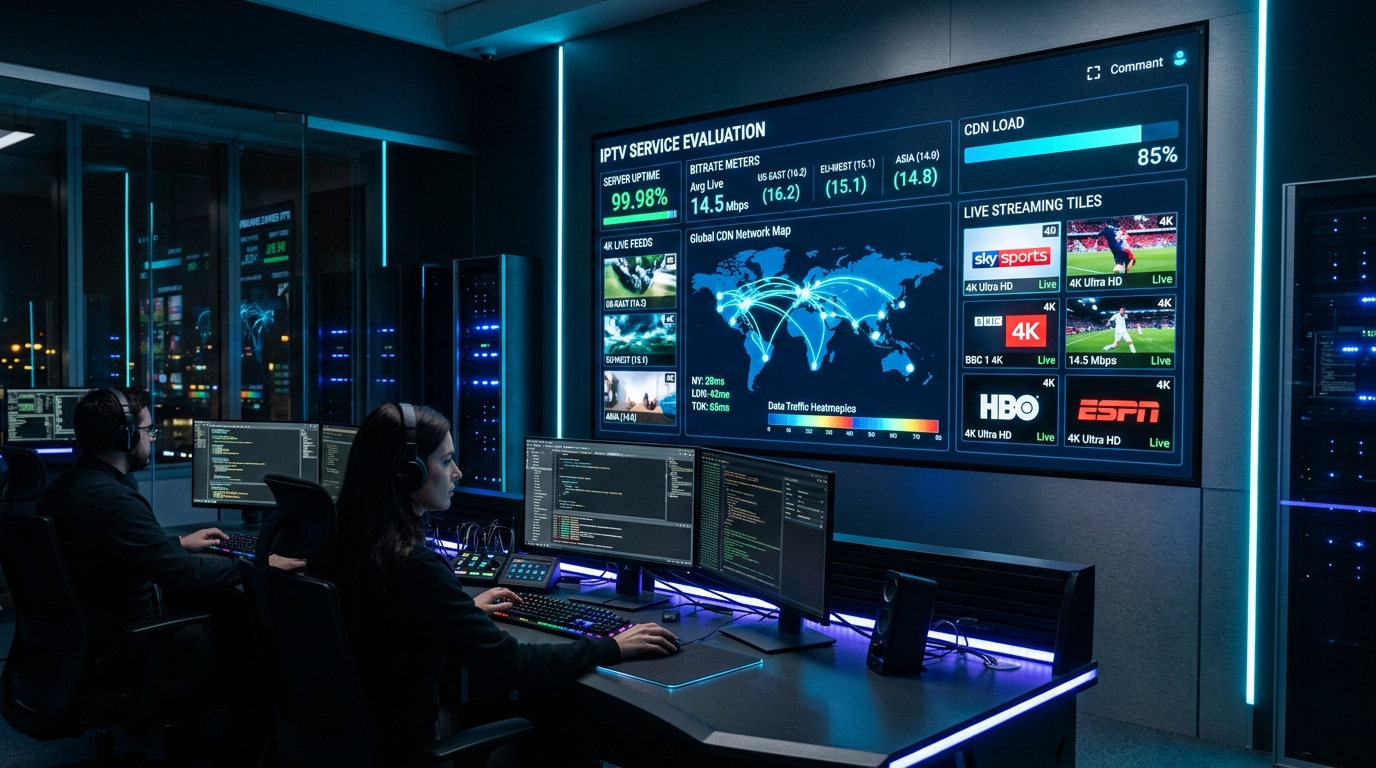
- Distributed CDN Edge Caching: Premium providers like NigmaTv utilize distributed Content Delivery Networks. Incoming client requests pass through a global DNS load balancer, which routes your connection to the closest geographic edge server node. Edge servers cache ongoing stream packets in local RAM, serving thousands of concurrent users with sub-50ms network round-trip times.
When choosing an IPTV service, investigate whether the provider transparently maintains high-capacity infrastructure or relies on oversold shared hosting. High-performance architecture directly ensures that your IPTV subscription plan delivers consistent performance regardless of global traffic spikes.
2. Server Stability, Anti-Freeze Technology, and Uptime Reality
"Anti-Freeze Technology" is one of the most frequently cited marketing phrases in the IPTV industry, yet few providers explain what it actually entails. In authentic technical terms, anti-freeze capability is not a magic software switch; it is an integrated combination of automated failover routing, adaptive socket management, and buffer negotiation between the server and your client player.
True Server Redundancy vs. Marketing Claims
When assessing a provider's stability, examine their redundancy protocols across three crucial layers:
| Redundancy Layer | Poor Implementation (Frequent Freezes) | Professional Implementation (Continuous Playback) |
|---|---|---|
| Origin Feed Source | Single satellite tuner feed. If weather disrupts satellite reception, the channel dies. | Dual redundant satellite dishes + direct terrestrial IP fiber backup lines with automated failover. |
| Server Bandwidth | 1 Gbps unmetered uplink shared across 2,000+ users (severe evening bottleneck). | Tier-1 10 Gbps and 40 Gbps fiber uplinks connected directly to major Internet Exchange Points (IXPs). |
| Load Balancing | Static IP allocation. When the server experiences high load, users are not redirected. | Anycast routing with real-time dynamic load balancing that seamlessly redistributes streams. |
| Connection Protocol | Unencrypted, unbuffered raw HTTP transport streams vulnerable to packet drops. | Optimized HTTP/HTTPS sockets with TCP window tuning, keep-alive persistence, and HLS fallback. |
The Mechanics of Stream Buffering
To protect your viewing from interruption, it helps to identify the exact cause of any buffering:
- Server-Side Buffering: Occurs when the provider's broadcast server fails to transmit video chunks at least as fast as real-time playback speed (1.0x). If the server outputs data at 0.8x, your player's buffer depletes, causing playback to freeze while waiting for fresh packets.
- Network-Side Buffering: Caused by packet loss, route congestion, or local ISP bandwidth throttling between your home router and the IPTV data center.
- Client-Side Buffering: Caused by insufficient device RAM, underpowered video decoder chipsets, or incorrect buffer memory configuration in your player application.
Before committing to a long-term subscription, review independent technical performance indicators and ensure the provider offers responsive setup assistance through dedicated customer support channels.
3. Channel Lineup Quality vs. Raw Channel Quantity
One of the most persistent traps awaiting new IPTV buyers is the obsession with inflated channel counts. Advertisements boasting "30,000+ Live Channels and 100,000 Movies" may sound impressive, but in practice, an uncurated, bloated lineup severely degrades user experience.
The Pitfalls of Bloated Playlists
When a service loads tens of thousands of unmonitored channels into your playlist, several practical problems arise:
- Slow App Navigation & Memory Crashes: Streaming sticks like the Amazon Fire TV Stick or low-cost Android TV boxes have limited RAM (often 1 GB to 2 GB). Loading a massive M3U playlist file containing 50,000 entries consumes excessive memory, causing player apps like TiviMate or IPTV Smarters to lag, freeze, or crash entirely during startup.
- Dead Feeds and Redundant Duplicates: Bloated lineups routinely contain hundreds of dead, non-functional links, poorly labeled test streams, and duplicate feeds running at substandard resolutions (such as 360p or 480p upscaled to 1080p).
- Cluttered Electronic Program Guides (EPG): When channel names lack standardized naming conventions, EPG data cannot link accurately, leaving guide timelines completely blank.
Evaluating True Quality in a Channel Directory
A high-tier IPTV provider focuses on curation, stream consistency, and audio-visual fidelity:
- Frame Rate Standards: For live sports and fast-moving action, 60 FPS (Frames Per Second) or 50 FPS (European PAL standard) is mandatory. A true 720p stream running at 60 FPS looks significantly smoother and more legible than a compressed 1080p stream locked at 25 or 30 FPS.
- Logical Categorization: Channels should be organized cleanly by geographic country, language, genre (Sports, Entertainment, Documentaries, News, Cinema, Kids), and resolution tags (4K, FHD, HD, SD).
- Dedicated Video On Demand (VOD): A curated VOD library should feature organized movie and episodic series collections with full cover art, cast lists, subtitles, and multi-language audio tracks, maintained on separate high-speed media storage servers.
You can inspect an example of a cleanly structured, categorized channel lineup by reviewing the official NigmaTv live channel directory.
4. Electronic Program Guide (EPG) Integration and Usability
An IPTV service without an accurate, comprehensive Electronic Program Guide (EPG) is like a television without a remote control. The EPG provides the interactive grid schedule that displays program titles, start and end times, episode descriptions, and upcoming broadcasts across all your favorite networks.
Technical EPG Standards: XMLTV and JSON API
Reliable IPTV services distribute schedule metadata using two primary protocols:
- XMLTV Format: An open, standardized XML file format that catalogs TV schedules. Premium providers generate dynamic XMLTV files that compress schedule data into lightweight
.xml.gzarchives, enabling your player app to download 7 days of programming data in seconds. - Xtream Codes EPG API: When logging into an application via Xtream Codes API credentials, the player requests program information directly from the server database in structured JSON format. This eliminates manual XML link entry and automatically refreshes your TV guide every 24 hours.
Key EPG Features to Look For
- Timezone Synchronization: Because streams originate from multiple global timezones, your IPTV service and player application must support automated or manual timezone offset adjustments (e.g., UTC+0, EST, CET) so showtimes align with your wall clock.
- Catch-Up & Replay Capability: Top-tier services record live broadcast streams on their servers for 48 to 72 hours. An integrated EPG allows you to scroll backward in the program timeline, select a past show, and watch it instantly on demand.
- Multi-Source EPG Assignment: Advanced IPTV players allow you to map custom secondary EPG sources if a niche regional channel lacks default guide data.
5. Multi-Device Compatibility and Supported Ecosystems
Modern households consume entertainment across diverse screens: living room smart TVs, bedroom streaming sticks, portable tablets, desktop computers, and smartphones. A versatile IPTV service must operate seamlessly across all major operating systems without imposing proprietary, locked-down hardware.
                       [NigmaTv Subscription]
                                 |
         +-------------+---------+---------+-------------+
         |             |                   |             |
         v             v                   v             v
   [Amazon Fire]  [Android TV]        [Apple tvOS]  [Smart TVs]
   Firestick 4K   Nvidia Shield TV    Apple TV 4K   Samsung (Tizen)
   Fire TV Cube   Chromecast Google   iPad / iPhone LG (webOS)
Comprehensive Platform Breakdown
1. Amazon Fire TV Ecosystem (Firestick Lite, 4K, 4K Max, Fire TV Cube)
Running on Fire OS (a fork of Android), Amazon Fire TV hardware is the most popular streaming client globally. It supports native hardware video decoding for H.264, H.265 (HEVC), VP9, and AV1 (on newer models). Sideloading top-tier player applications like TiviMate or IPTV Smarters Pro via the Downloader utility takes fewer than five minutes.
2. Android TV & Google TV (Chromecast, Nvidia Shield, Xiaomi Mi Box)
Android TV provides the purest IPTV experience with direct Google Play Store access to player applications, system-level audio passthrough, and robust multitasking. The Nvidia Shield TV Pro remains the gold standard for power users due to its Tegra X1+ processor and AI-enhanced 4K upscaling.
3. Apple TV 4K & tvOS
Apple TV 4K delivers unmatched interface fluidity, powerful A-series bionic processors, and strict color accuracy. Dedicated tvOS applications like iPlayTV and IPTV Smarters Pro take full advantage of Apple's hardware to provide instantaneous EPG rendering and smooth 60 FPS frame rate matching.
4. Smart TVs (Samsung Tizen OS & LG webOS)
For households seeking a cable-free setup without external HDMI dongles, Samsung and LG television app stores feature dedicated IPTV players such as IBO Player, Smart ONE, and Nanomid. These players utilize online MAC-address web portals to synchronize your playlist credentials cleanly.
5. Windows PC, macOS, and Linux
Streaming directly on personal computers is easily accomplished via cross-platform desktop applications (such as IPTV Smarters Pro Desktop, SFVIP Player, or VLC Media Player), making it convenient to watch live broadcasts while traveling or working.
For comprehensive, hardware-specific configuration instructions, consult our step-by-step device installation tutorials.
6. Connection Protocols: Xtream Codes API vs. M3U Playlists vs. Stalker Portal
When setting up your IPTV service, you will encounter three primary connection methods. Understanding their technical differences ensures you choose the most secure and responsive option.
1. Xtream Codes API (Recommended)
Xtream Codes API is the industry standard for modern streaming. Instead of loading an enormous text file, your player communicates with the server via structured HTTP REST requests.
- Login Credentials: Requires only a Server URL (e.g.,
http://line.nigmatv.stream:8080), your Username, and your Password. - Advantages: Instant authentication, automated live/VOD separation, continuous background EPG synchronization, and dynamic stream health monitoring.
2. M3U / M3U8 Playlist URLs
An M3U file is a plaintext playlist format containing stream links and metadata tags (#EXTINF).
- Advantages: Universally supported by virtually every media player, including VLC and simple open-source utilities.
- Disadvantages: Large file sizes can overwhelm device memory; requires manual link re-entry whenever playlist parameters change; lacks native two-way catch-up communication.
3. Stalker Middleware & MAC Portal Authentication
Originally developed for dedicated MAG set-top boxes (Infomir), Stalker middleware authenticates clients using the device's hardware MAC address (00:1A:79:XX:XX:XX).
- Advantages: Emulates a dedicated cable box experience with hardware remote controls.
- Disadvantages: Locks your subscription to a single physical device; difficult to transition between phone, tablet, and TV without contacting customer support to reassign MAC addresses.
7. Multi-Connection Allowances and Household Sharing
Before finalizing any IPTV purchase, examine the provider's multi-room connection policies. A standard IPTV plan typically allows one active stream at any given moment.
[1-Connection Account] ---> Active on Living Room TV  ===> OK
[1-Connection Account] ---> Simultaneous Login on Phone ===> Stream Collision / Error 403
Single vs. Multi-Device Accounts
If multiple family members stream different channels concurrently in different rooms, running a single-connection account will trigger connection collisions, resulting in error codes (such as HTTP 401 Unauthorized or HTTP 403 Forbidden) or immediate stream termination.
Look for providers that offer transparent multi-device tiers:
- 1-Device Plans: Ideal for single viewers or individuals who only stream on one television at a time.
- 2-to-3 Device Multi-Room Plans: Allows simultaneous viewing across living rooms, bedrooms, and mobile devices under a single unified billing account.
Review the flexible multi-screen subscription tiers available on our pricing page to select the capacity that best matches your family's daily habits.
8. Network Security, Privacy, and ISP Throttling Considerations
Streaming high-definition video continuously places sustained demand on your home broadband connection. Many Internet Service Providers (ISPs) actively monitor customer traffic and deploy Deep Packet Inspection (DPI) to identify high-bandwidth multimedia streams.
Identifying ISP Throttling
During peak evening hours (8:00 PM to 11:00 PM) or during major live sporting broadcasts, some ISPs deliberately restrict throughput on multimedia ports to manage overall neighborhood network capacity. If your internet speed test reports 200 Mbps on standard web pages, but live IPTV streams stutter and buffer, ISP throttling is often the culprit.
Mitigating Network Bottlenecks
- Custom DNS Configuration: By default, your home router uses your ISP's DNS servers. Switching your streaming device's DNS settings to secure, public resolvers—such as Cloudflare (
1.1.1.1and1.0.0.1) or Google Public DNS (8.8.8.8and8.8.4.4)—prevents domain redirection and accelerates stream lookup handshakes. - Virtual Private Networks (VPNs): A high-speed VPN encrypts all data packets between your streaming hardware and the VPN server. Because your ISP cannot inspect encrypted traffic headers, artificial protocol throttling is completely bypassed.
- Hardwired Ethernet Over Wi-Fi: Wireless 2.4 GHz frequencies suffer severe interference from household appliances and neighboring routers. Connecting your streaming device via Cat6 Ethernet cable eliminates packet jitter and ping spikes.
For additional network diagnostics and bandwidth tuning advice, explore our detailed guide on internet speed requirements for IPTV.
9. Comprehensive IPTV Evaluation Checklist
Before committing to any IPTV service, utilize this practical verification checklist during your initial evaluation or free trial period:
- Peak Hour Stability Test: Stream high-demand sports channels between 8:00 PM and 10:00 PM on weekends to evaluate server load resilience.
- Stream Codec & Frame Rate Verification: Confirm that sports channels output true 50 or 60 FPS rather than stuttering 25 or 30 FPS.
- EPG Alignment & Accuracy: Verify that the TV guide loads completely and accurately reflects local programming schedules.
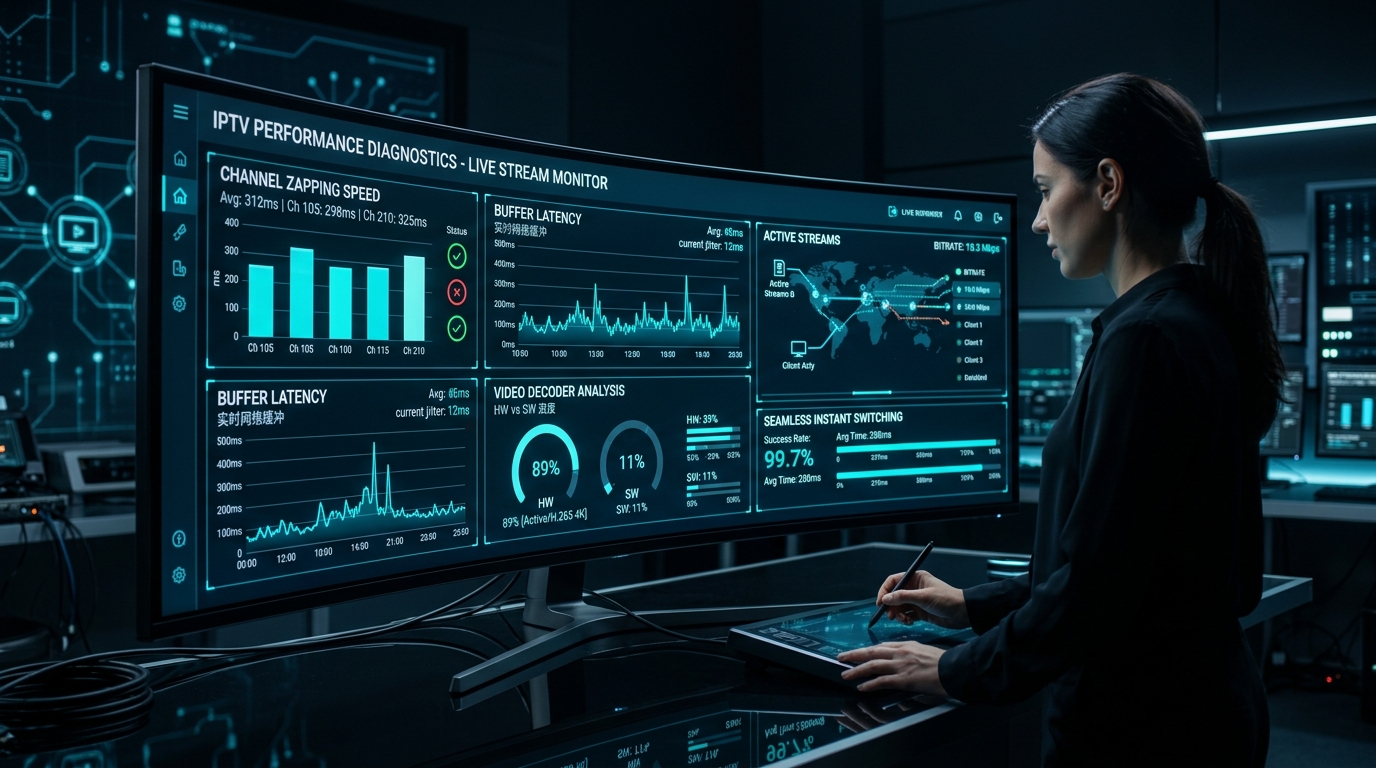
- Zapping Speed Benchmarks: Channel switching should complete within 1 to 2 seconds. Delays exceeding 4 seconds indicate poor server routing.
- Responsive Customer Support: Test support channels via WhatsApp or email to verify real human response times.
- Transparent Pricing & No Forced Contracts: Ensure billing operates on a transparent pay-as-you-go model with no hidden recurring fees.
10. Advanced Network Protocols: BGP Anycast Routing, MTU Tuning, and Packet Loss
For users seeking pristine, ultra-low-latency 4K television, understanding advanced network dynamics reveals why certain services excel while others stutter constantly. The physical route data takes across the global internet spine is governed by Border Gateway Protocol (BGP) routing policies.
Border Gateway Protocol (BGP) and Anycast Routing
When you connect to an IPTV stream, your internet packets traverse multiple autonomous systems (AS networks). Standard budget providers host streams in a single low-cost data center (frequently in Eastern Europe or South America) without optimized peering agreements. When a user in North America or Western Europe requests a channel:
- The packet must cross dozens of intermediate internet exchange points (hops), each introducing 5ms to 15ms of latency.
- If any single intermediate carrier experiences evening congestion, packets are dropped, resulting in severe visual artifacts, macroblocking, and audio desynchronization.
In contrast, enterprise-grade streaming networks utilize BGP Anycast Routing. Under Anycast, multiple edge servers worldwide announce the exact same IP address range to global internet exchange points. Your local ISP automatically routes your connection to the topologically closest edge node. This reduces round-trip ping latency from 180ms down to less than 25ms, virtually eliminating packet arrival delays before stream data enters your player's buffer.
Maximum Transmission Unit (MTU) and Packet Fragmentation
An overlooked cause of micro-buffering during high-bitrate 4K streaming is packet fragmentation caused by mismatched Maximum Transmission Unit (MTU) values. Standard Ethernet frames carry up to 1,500 bytes of data. If an intermediate VPN tunnel or PPPoE connection reduces the path MTU to 1,420 bytes, larger video data packets must be split into multiple smaller fragments.
- When packet fragmentation occurs, your router and streaming hardware must expend CPU cycles reassembling fragmented IP packets.
- If a single fragment is lost in transit, the entire frame is corrupted, forcing the video decoder to discard the frame.
- Ensuring your router's WAN MTU is set correctly (typically 1,500 for standard fiber or cable connections, or 1,492 for DSL/PPPoE) ensures smooth packet delivery without unnecessary fragmentation.
TCP Window Scaling and Bufferbloat
Streaming protocols operating over TCP (such as HLS or HTTP-TS) rely on TCP sliding window mechanisms to confirm receipt of video data. On high-speed broadband connections (100 Mbps to 1 Gbps), default operating system TCP buffer sizes can become a bottleneck if the latency between client and server fluctuates.
- Modern IPTV players configured with custom socket buffer allocators dynamically scale the TCP receive window, ensuring that bursty network traffic does not stall playback.
- If your home network suffers from bufferbloat—where heavy concurrent uploads saturate your router's queue—enabling Smart Queue Management (SQM) or CAKE/FQ-CoDel on your router ensures that real-time video packets always take priority over bulk background downloads.
11. Step-by-Step 24-Hour Trial Evaluation Protocol
When testing a new IPTV service during an introductory or trial period, do not merely browse a few random entertainment channels. Execute this structured 24-hour diagnostic protocol to thoroughly benchmark the provider's capabilities under real-world stress conditions:
Phase 1: Baseline Off-Peak Testing (Morning / Afternoon)
- Zapping Latency Benchmark: Open your player app and change channels across 10 different categories (USA, UK, Sports, Cinema). Measure the time elapsed from button press to initial video render using a stopwatch. A healthy service should average 1.2 to 1.8 seconds.
- Audio-Video Synchronization Check: Tune into a 24/7 news channel (such as CNN, BBC, or Sky News) with clear anchor speech. Watch for two minutes to confirm lip-sync alignment. Audio drift indicates improper server-side transcoding.
- EPG Full Grid Population: Verify that program schedules populate at least 3 to 7 days in advance without missing channel timelines or incorrect show descriptions.
Phase 2: High-Demand Peak Evening Stress Test (8:00 PM – 10:30 PM)
- Live Sports Stress Test: Tune into a high-profile live sporting event (Premier League, Champions League, NBA, or NFL). Observe continuous playback for at least 30 consecutive minutes. Note whether stream drops, resolution downscales, or audio stutter occurs.
- Multi-Screen Concurrency Test: If your plan permits multi-device access, launch simultaneous streams on two separate devices connected to the same local network. Confirm that neither stream encounters authentication errors or increased buffering.
- Bandwidth Saturation Monitoring: While streaming a 4K channel, run a local speed test on another device. Verify whether your streaming hardware maintains playback continuity during localized network competition.
Phase 3: Technical Support Responsiveness Test
- Send a technical inquiry through the provider's official customer support channels (such as WhatsApp, live chat, or support ticket) during evening hours.
- Evaluate response time, technical competence, and helpfulness. Automated bot replies or multi-day email delays are red flags indicating absent customer care.
Experience NigmaTv
Upgrade your entertainment with ultra-stable, anti-freeze streaming. Access premium live channels, global sports, and curated VOD across all your supported devices.
12. Common Mistakes to Avoid When Purchasing IPTV
Navigating the IPTV marketplace requires vigilance. Avoid these widespread consumer missteps:
- Purchasing Multi-Year Lifetime Subscriptions: Never purchase a 2-year, 3-year, or "lifetime" IPTV subscription from an unknown third-party seller. The IPTV landscape changes rapidly, and fly-by-night resellers frequently disappear after collecting upfront fees. Reputable providers prioritize monthly, semi-annual, or annual renewals.
- Ignoring Hardware Decoding Requirements: Running modern HEVC or 4K streams on outdated hardware (such as ten-year-old smart TVs or first-generation streaming sticks) results in stuttering video caused by CPU saturation rather than provider issues.
- Assuming More Channels Equals Better Quality: Prioritize services that actively monitor, maintain, and update a curated lineup over services advertising bloated, broken playlists.
- Failing to Verify Support Availability: Technical issues inevitably arise. Choosing a service with real-time WhatsApp or ticketing support ensures rapid resolution.
To learn more about how our platform operates, explore our how it works walkthrough or browse answers to common questions in our FAQ center.
Frequently Asked Questions
Conclusion: Making the Right Investment in Your Home Entertainment
Cutting the cord and embracing modern IPTV streaming unlocks unprecedented entertainment freedom, massive channel variety, and substantial financial savings compared to traditional cable contracts. However, the quality of your daily viewing experience directly depends on the integrity of your provider's technical infrastructure.
By prioritizing distributed CDN server stability, true 60 FPS broadcast frame rates, automated Xtream Codes EPG integration, and multi-device compatibility, you can avoid the common pitfalls of unreliable budget sellers.
At NigmaTv, our high-speed, anti-freeze streaming architecture is engineered specifically to meet the rigorous demands of 4K sports and global television entertainment. Explore our transparent subscription plans, check our comprehensive live channel directory, or connect with our 24/7 support team to begin enjoying a truly modern streaming experience today.